
Building decks on a computer
From a spreadsheet to a hand-built .memorate file. The format, step by step.
You can write cards in the app, but somewhere around the fiftieth entry a phone keyboard stops being fun. On a computer it is an afternoon's work — and it can be repeated, generated and version-controlled.
Three routes, differing in how much you want to control:
| Route | For whom | What you get |
|---|---|---|
| CSV | everyone has a spreadsheet | cards, categories |
.memorate by hand | if JSON does not scare you | the same plus field labels, authorship, licence, revision |
.memorate from a script | generating from data | the same, repeatably and identically between runs |
The difference between the first two is not what gets imported, but identity. That gets its own section — it is the one thing on this page you cannot add later.
1. A spreadsheet and CSV
The simplest route. Open Excel, Numbers, LibreOffice or Google Sheets and make these columns:
| front | back | extra1 | extra2 | note | category |
|---|---|---|---|---|---|
| dobrý den | buongiorno | bwon-JOR-no | Greetings | ||
| děkuji | grazie | GRA-tsyeh | Greetings |
front and back are required, the rest is optional. A row missing either is skipped and the wizard tells you.
Column names are read automatically if you put them in a header row. It knows English and Czech:
| Meaning | What the header may say |
|---|---|
| question | front, prompt, question, otazka, predni, vyraz |
| answer | back, answer, odpoved, zadni, preklad |
| extra field 1 | extra1, extra, doplnek, pomocne, hint |
| extra field 2 | extra2, doplnek2 |
| note | note, notes, poznamka, poznamky |
| category | category, categories, kategorie, skupina, tag |
It is only a suggestion — you see it in the wizard and can change it. Without a header it works too, you just map the columns yourself.
Saving
Save as CSV in UTF-8. The app copes with others, but you are taking a needless risk:
- UTF-8 — right, and read reliably
- UTF-16 with a BOM (Excel on Windows) — read fine
- Windows-1250 — the last resort. A single-byte encoding reads almost any bytes, so success is not proof of correctness. The app warns you and you must check the accents in the preview.
The delimiter is guessed from the first twenty lines — comma, semicolon, tab or pipe, whichever gives the most consistent column count. Excel in a Czech locale writes semicolons, and that is fine.
When a value needs a comma or a line break, wrap the whole field in quotes: "Prague, capital city". A quote inside is doubled. Your spreadsheet does this for you.
Importing
Get the file to your phone however you like — AirDrop, mail, Files on iCloud — and walk through the import wizard.
For most people that is the end of it. The rest of this chapter is for those who want more.
Identity, and why it matters
Here is the real difference between CSV and .memorate, and it cannot be fixed after the fact.
A card and a deck are identified in Memorate by a UUID, not by text. Fix a typo and the card stays the same card — learning and answer history stay attached to it.
A CSV import has no UUIDs, so the app makes them up at random. Import a corrected spreadsheet a second time and you do not get a correction, you get a second deck beside the one you learned.
A .memorate file carries the UUIDs. Publish a fix with the same ones and it merges into what the user already has — learning and all.
Put simply: CSV is a one-off import, .memorate is a release. If you plan corrections or additions, start with .memorate.
2. A hand-built .memorate
The .memorate extension is an ordinary ZIP holding two readable files:
manifest.json    a short description: what it is and how much of it
content.json     the whole deck
media/           card images, named by a fingerprint of their content
That is deliberate. The data should stay readable without the app — if reading your own cards took a special tool, something would be wrong.
content.json
This is the source of truth. A complete working example: one deck, one category, two cards.
{
  "format": "dev.roncaccio.memorate.export",
  "formatVersion": 1,
  "exportedAt": "2026-08-28T10:00:00Z",
  "app": { "version": "by-hand", "schemaVersion": 1 },
  "sections": ["content", "settings"],
  "summary": {
    "decks": 1, "categories": 1, "cards": 2,
    "learningStates": 0, "reviews": 0, "drills": 0, "events": 0
  },
  "decks": [{
    "stableID": "6F0A7A21-9E1B-4E1C-9C7E-5B7C2A1D9E33",
    "contentCollectionID": "6F0A7A21-9E1B-4E1C-9C7E-5B7C2A1D9E33",
    "contentVersion": 1,
    "title": "A test",
    "note": "A deck written by hand.",
    "createdAt": "2026-08-28T10:00:00Z",
    "updatedAt": "2026-08-28T10:00:00Z",
    "contentLanguage": "cs",
    "settings": {
      "frontLabel": "Czech",
      "backLabel": "Italian",
      "extraField1Label": "Pronunciation",
      "extraField2Label": "",
      "extraField1Visibility": "withAnswer",
      "extraField2Visibility": "withAnswer",
      "noteVisibility": "withAnswer",
      "targetRetention": 0.9,
      "author": "Zdeněk",
      "license": "CC0-1.0"
    },
    "categories": [{
      "stableID": "11111111-1111-4111-8111-111111111111",
      "name": "Greetings", "sortOrder": 0,
      "createdAt": "2026-08-28T10:00:00Z",
      "updatedAt": "2026-08-28T10:00:00Z"
    }],
    "cards": [
      {
        "stableID": "22222222-2222-4222-8222-222222222222",
        "categoryID": "11111111-1111-4111-8111-111111111111",
        "front": "dobrý den", "back": "buongiorno",
        "extra1": "bwon-JOR-no", "extra2": "", "note": "",
        "createdAt": "2026-08-28T10:00:00Z",
        "updatedAt": "2026-08-28T10:00:00Z"
      },
      {
        "stableID": "33333333-3333-4333-8333-333333333333",
        "categoryID": null,
        "front": "děkuji", "back": "grazie",
        "extra1": "GRA-tsyeh", "extra2": "", "note": "",
        "createdAt": "2026-08-28T10:00:00Z",
        "updatedAt": "2026-08-28T10:00:00Z"
      }
    ]
  }]
}
That example is not made up — it is the file this guide was tested on.
The envelope
| Key | What it holds |
|---|---|
format | always dev.roncaccio.memorate.export. This is how a Memorate file is recognised |
formatVersion | 1 for now |
exportedAt | when the file was made |
app | what made it. Put anything in version |
sections | what the file contains |
summary | counts. They must match, see below |
decks | the decks |
sections is a list, not a switch. For your own set you want ["content", "settings"] — cards and deck settings. Without it the importer could not tell "no learning state here" from "this file is truncated".
summary is a completeness check. The app compares it with what it actually finds and refuses the import if they differ. That is not pedantry: a truncated file is caught before anything is imported. When sections has no learning, history or journal, leave learningStates, reviews, drills and events at zero — only the sections present are checked.
The deck
| Key | Required | What it holds |
|---|---|---|
stableID | yes | the deck's UUID in the library |
contentCollectionID | yes | identity of the set across releases. For your own deck, make it the same as stableID |
contentVersion | yes | content revision. Start at 1 |
title | yes | the name |
note | yes | one line for the list. May be empty |
createdAt, updatedAt | yes | when it was made and last changed |
contentLanguage | no | the main language of the content: cs, en, de… It sorts the menu and picks the flag |
settings | no | field labels, visibilities, authorship |
categories | yes | may be an empty array |
cards | yes | the cards |
contentCollectionID is what holds identity between releases. stableID may differ on a given device, but the collection stays — that is how the app knows your new release belongs to the deck it already has.
Deck settings
"settings": {
  "frontLabel": "Czech",
  "backLabel": "Italian",
  "extraField1Label": "Pronunciation",
  "extraField2Label": "",
  "extraField1Visibility": "withAnswer",
  "extraField2Visibility": "withAnswer",
  "noteVisibility": "withAnswer",
  "targetRetention": 0.9,
  "isOneWay": false,
  "author": "Zdeněk",
  "authorURL": "https://example.com",
  "license": "CC0-1.0",
  "sourceURL": "https://example.com/data"
}
Labels appear above the question and the answer. An empty label shows nothing.
Visibilities take three values:
| Value | When the field appears |
|---|---|
withQuestion | right with the question |
withAnswer | with the answer |
always | all the time |
Pronunciation belongs to withAnswer — showing it with the question leaves nothing to recall.
targetRetention is how much you want to still know when asked. 0.9 is ninety percent and a sensible start. Details in the scheduling chapter.
isOneWay turns the reverse direction off. Use it where the reverse makes no sense: a capital can lead you back to its country, but a date cannot lead you to its event. Optional; a missing value means both ways.
Authorship and licence are entirely optional. Whatever you fill in travels with the file and is visible to anyone who opens it — so keep out anything you do not want to hand over.
Categories and cards
A category is just a named group with an order:
{
  "stableID": "11111111-1111-4111-8111-111111111111",
  "name": "Greetings", "sortOrder": 0,
  "createdAt": "2026-08-28T10:00:00Z",
  "updatedAt": "2026-08-28T10:00:00Z"
}
A card points at one through categoryID. When it belongs to none, write null — the key has to be there.
| Key | What it holds |
|---|---|
stableID | the card's UUID |
categoryID | a category UUID, or null |
front, back | question and answer |
extra1, extra2 | extra fields. An empty string when unused |
note | the note |
createdAt, updatedAt | timestamps |
Empty fields are not omitted, they are written as "". Only what the tables above mark optional may be left out.
Write dates as ISO 8601 with seconds and a trailing Z: 2026-08-28T10:00:00Z. Fractional seconds are not accepted and the file is rejected as broken. That is the form the app itself writes and the one all our own decks use — stick to UTC and you cannot go wrong.
Images
A card side is text or an image — never both. When a side carries an image, front (or back) stays empty and a key with the file's fingerprint is added:
{
  "stableID": "44444444-4444-4444-8444-444444444444",
  "categoryID": null,
  "front": "", "frontMedia": "3f8a91c2b70d4e15",
  "back": "Algeria",
  "extra1": "", "extra2": "", "note": "",
  "createdAt": "2026-08-28T10:00:00Z",
  "updatedAt": "2026-08-28T10:00:00Z"
}| Key | What it does |
|---|---|
frontMedia | fingerprint of the image on the front, optional |
backMedia | the same for the back |
The fingerprint is the first sixteen characters of the SHA-256 of the file's bytes, in lower case. The file then sits in the ZIP as media/<fingerprint>.png — the extension follows the content, so a photo stored as JPEG gets .jpg.
Addressing by content has two consequences worth knowing:
- The same image is stored once. A flag used in three language decks is one file, and one record after import.
- You cannot make the fingerprint up. It has to match the bytes, or the card comes out blank after import. Compute it with something like
shasum -a 256 dz.png | cut -c1-16.
When you add an image in the app, it is downscaled to 1024 pixels on the long side. A hand-built file may carry anything, but a larger image only inflates the deck — a card draws it at most 340 points tall anyway. How images behave in the app is covered in Images on a card.
manifest.json
The manifest is a shortcut for previews, not a source of truth. The app and the website list decks from it without unpacking the content — across thousands of cards that is the difference between a blink and a second.
{
  "format": "dev.roncaccio.memorate.export",
  "formatVersion": 1,
  "exportedAt": "2026-08-28T10:00:00Z",
  "decks": [{
    "title": "A test",
    "note": "A deck written by hand.",
    "cards": 2, "categories": 1,
    "author": "Zdeněk", "license": "CC0-1.0",
    "version": 1, "language": "cs",
    "created": "2026-08-28T10:00:00Z",
    "updated": "2026-08-28T10:00:00Z"
  }],
  "totals": { "decks": 1, "cards": 2 }
}
Note the names differ from content.json: version not contentVersion, language not contentLanguage, created and updated not createdAt and updatedAt. The manifest is its own form, not a copy.
If the manifest lied it would not affect the import — the app goes by the content. Still, keeping them apart is pointless: the list would then promise something other than what actually arrives.
Zipping it
Zip both files so they sit at the root of the archive:
zip -X mydeck.memorate manifest.json content.jsonDo not zip the folder, zip the two files. Select a folder in macOS and choose Compress and you get an archive where the files hide inside myfolder/content.json — and the app reports that the content is missing. Select both files at once and compress those.
Rename the result from Archive.zip to mydeck.memorate. The extension is all iOS cares about when offering to open the file in Memorate.
Anything can do the zipping — the zip command, Finder, Python's zipfile, 7-Zip. All four were tried.
Naming the file
Nothing relies on the file name — identity lives in the UUIDs inside. Still, it pays to follow the shape our own decks use:
topic-language.memorate    swiss-history-en.memorate
                           core-cs-it.memorate
Lower case, hyphens, no accents or spaces. The name shows up in Safari while downloading and in Files, so it is the first thing anyone sees.
Trying it out
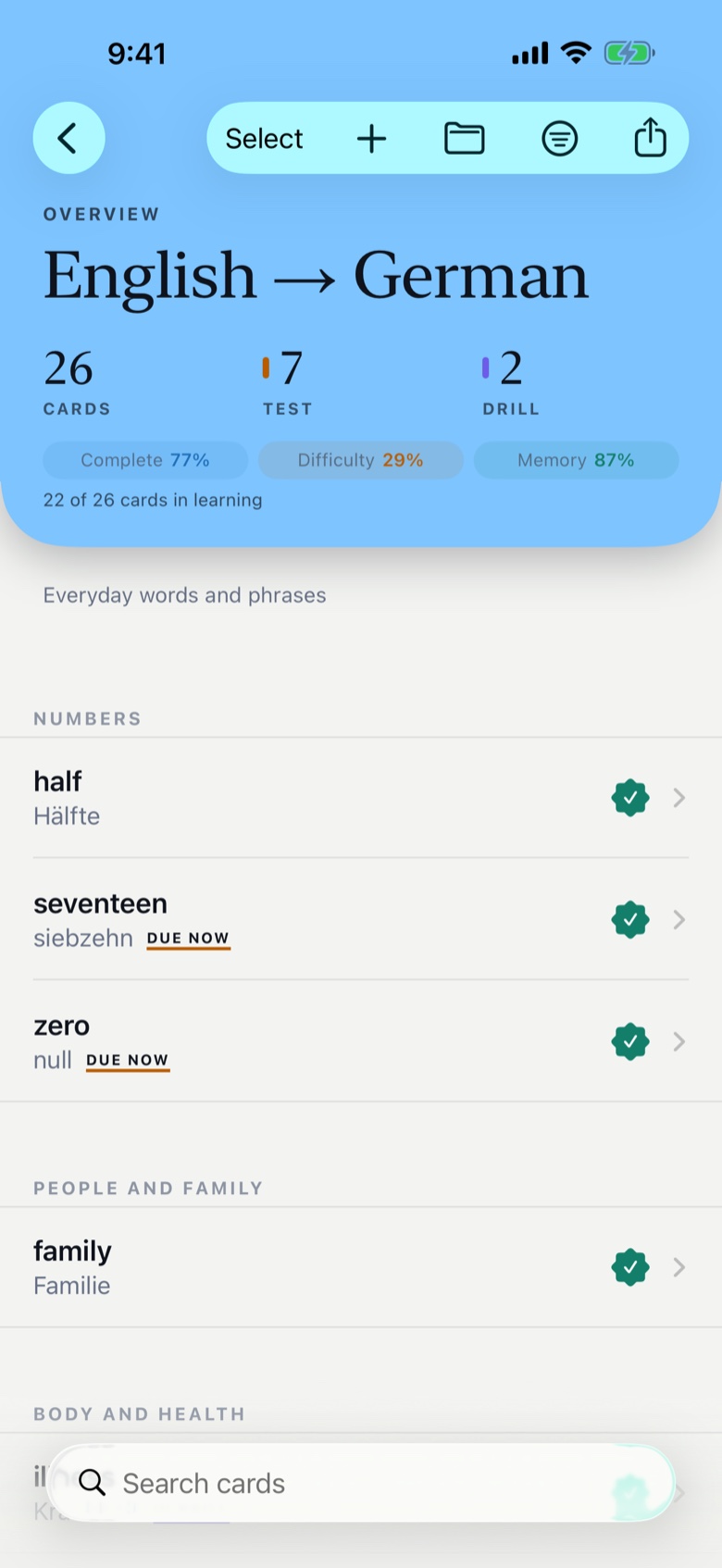
Before sending it anywhere, open it yourself. Tapping it in Files is enough — the app shows what is inside and writes nothing until you confirm. Try an update too: raise contentVersion to 2 in content.json, fix one card, zip it again and import. It has to offer to merge into the deck you already have.
3. Generating from a script
When the data already lives somewhere — a spreadsheet, a database, an API — writing JSON by hand is pointless. A few rules that served us well:
Derive UUIDs from a key, do not generate them randomly. A random UUID on every run means every release looks like a new deck and the user's cards double up. Derived from a key, it comes out the same every time:
import hashlib, uuid

def stable_uuid(*parts):
    """A UUID derived from a key. Same key, same UUID, forever."""
    key = "\x1f".join(parts)
    digest = hashlib.sha256(key.encode()).hexdigest()
    return str(uuid.UUID(digest[:32])).upper()

deck_id = stable_uuid("deck", "my-vocabulary")
card_id = stable_uuid("card", "my-vocabulary", "dobry-den")
A card's key must not be its text. If it were, fixing a typo would produce a different card and the user would lose their learning — exactly what identity is there to prevent. Use something that does not move: the row number in the source, a code, an abbreviation.
Include the deck name in the key. Without it the same card in two sets would share a UUID and the import would fight itself.
Do not let descriptions cross over. When one source generates several decks, make sure one deck's text cannot reach another. It happened to us: release notes were keyed by source family rather than by deck, and the English→Spanish set ended up describing Czech cards. A shared source is good; a shared description is not.
Keep the timestamp constant. datetime.now() in a generator means every run produces a different file even when the data has not changed. Write the release date by hand and raise it when you actually release.
Our own generator is in the repository under content/decks/. It is plain Python with no dependencies and does exactly this — reads TSV, assembles JSON, zips it and validates the result. Feel free to use it as a template.
When it does not work
| Message | What to do |
|---|---|
| Not a Memorate file | format in content.json is missing or wrong |
| This is a Memorate package, but the content is missing | content.json is not at the archive root — you probably zipped a folder |
| The file could not be unpacked | a damaged ZIP, or a compression we do not support (only stored and deflate) |
| Part of the data is missing | the counts in summary do not match what the file holds |
| The file is from a newer version | formatVersion is higher than 1 |
When in doubt, rename the file to .zip, unpack it and look inside. It is plain text, and that is precisely the point.