
The browser demo
A slice of Memorate with nothing to install — what it shows, what it does not, and why.
At memorate.app/en/demo.html a piece of the app runs in your browser. Nothing to install, nothing to sign in to, and nothing leaves your device.
It is one deck — times tables, a hundred and ten facts — and one kind of session. Nothing more, and that is deliberate.
What it is not
It is not a web version of Memorate. It is one part on show, not the app in a browser. Get used to the demo and you have not got used to Memorate — what matters is not in there, and could not be.
The demo cannot, and never will:
- create or edit your own cards,
- open any deck but that one,
- schedule reviews,
- show statistics, Memorate Score or the forgetting curve,
- import, export or back anything up.
What it does show
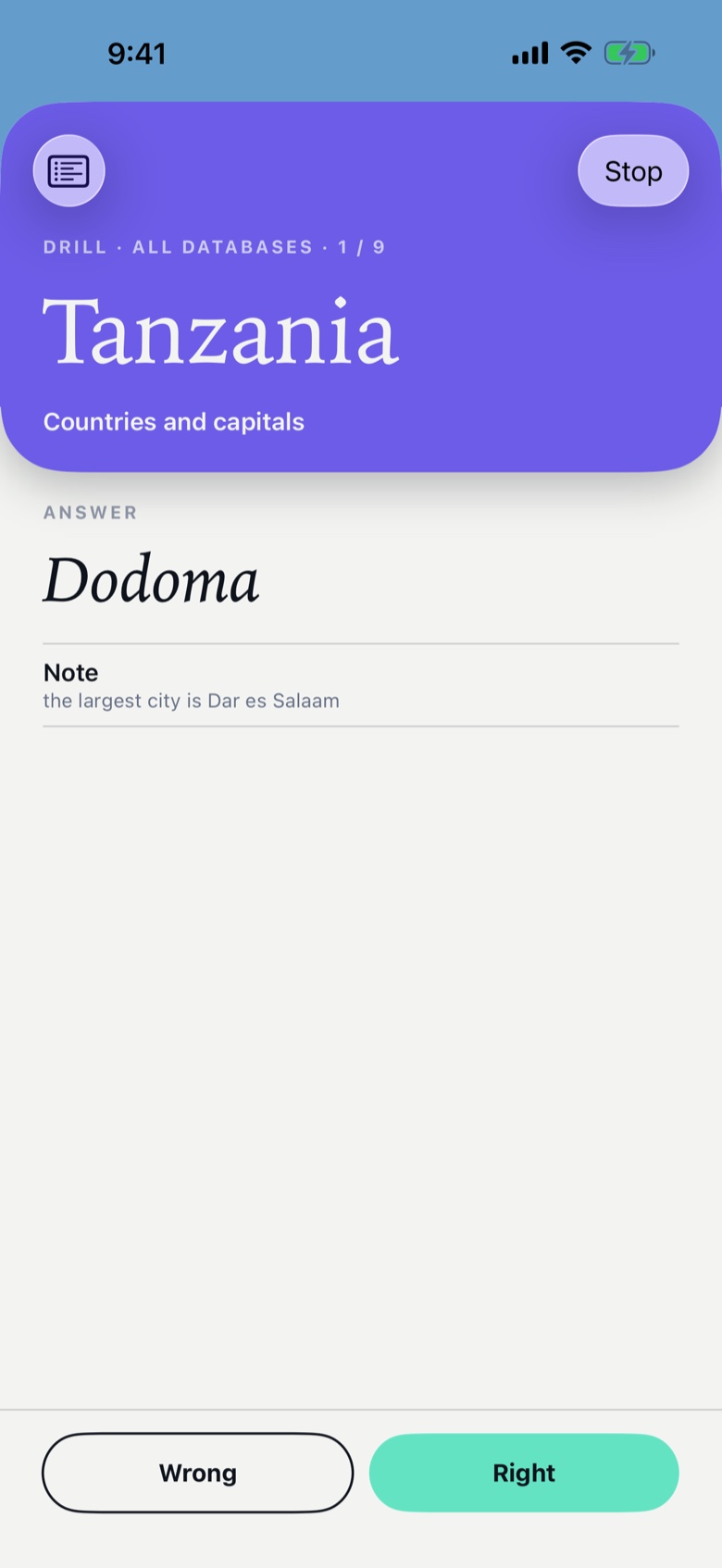
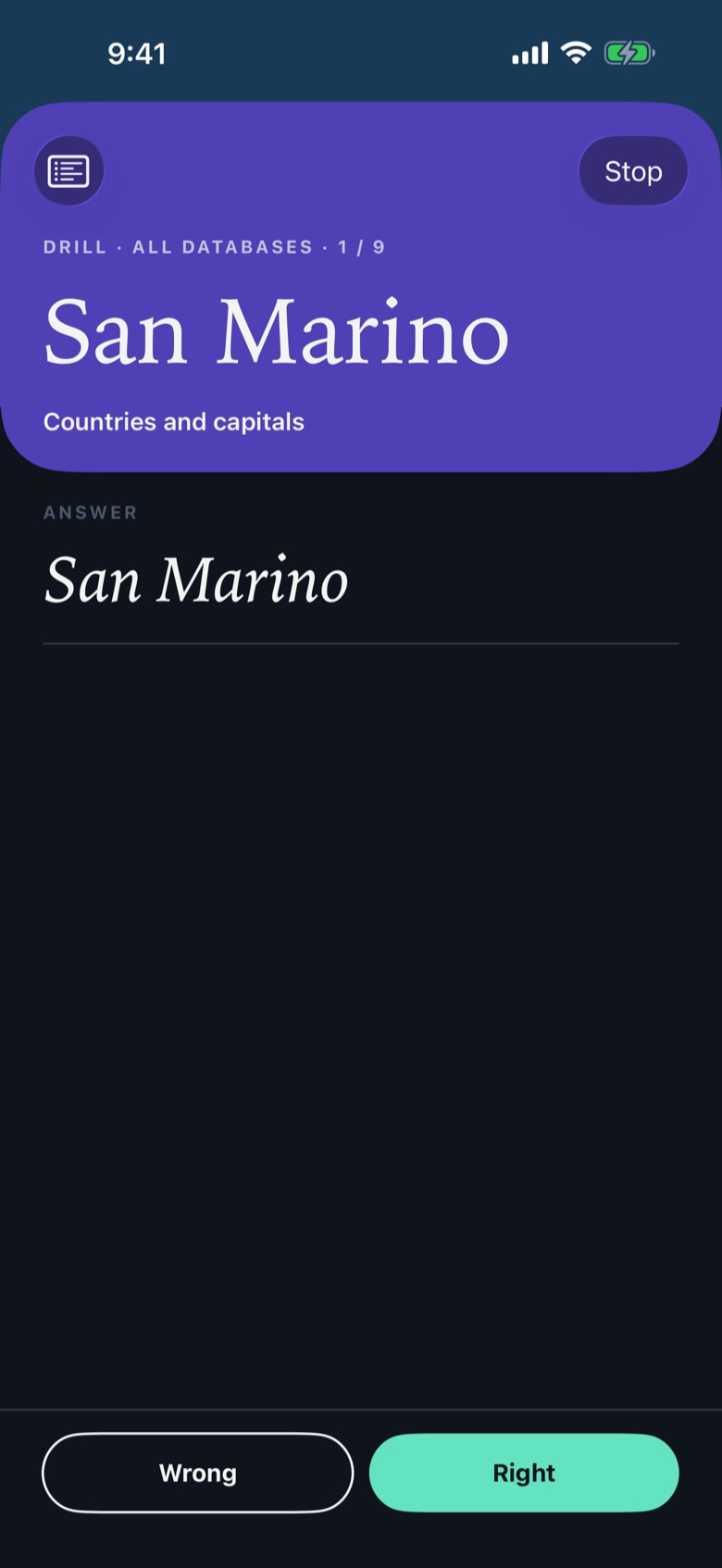
A drill, exactly as the app runs it. Two buttons, and a card leaves the queue the moment you get it right. The labels are the ones you will see in the app — they are taken from it rather than copied out, so they have no way of drifting apart.
At the end of a round you get the same summary as after a session in the app: Answered and Still in drill.
Why a drill and not a test
Memorate has two kinds of session. A drill is a warm-up: binary repetition of whatever did not stick, and it never touches the schedule. A test is the part that matters — six grades, and the FSRS scheduler that works out from them when each card comes back.
What a test is worth only shows after weeks. Five minutes in a browser cannot demonstrate that, and faking it would be worse than leaving it out. So the demo shows what can be shown and is straight with you about the rest.
The second reason is technical and worth saying out loud: a demo with a scheduler of its own would be a second implementation of FSRS, and sooner or later it would drift from the one in the app. What the two share is data, not behaviour.
Progress is kept, but not the way the app keeps it
For each of the hundred and ten facts the browser remembers whether you know it. No account is involved — all of it sits in the browser.
Add the demo to your home screen. Safari erases saved progress after seven days without a visit; sites added to the home screen are spared that. You tap them the way you tap an app, and on a phone you will not tell the two apart.
On iPhone: Share → Add to Home Screen. On Android: browser menu → Install.
Progress from the demo does not carry over into the app. They are two separate things and the demo knows nothing about the app.
Who it is for
Three groups, each for a different reason:
| Who | What for |
|---|---|
| Anyone who does not know Memorate | to get the feel of the controls before downloading the app |
| Anyone practising times tables | a full trainer, free, no ads and no account |
| Anyone on an old phone or on Android | the only way to use Memorate at all — the app is for iPhone, iPad and Apple Watch |
That third group is why the demo exists. The app does not run on a first-generation iPhone SE and never will — times tables in a browser run on it perfectly well.