
iPad
Split view, keyboard shortcuts and what differs from the phone.
The iPad runs the same app, only laid out for a large display. The data is the same — move a backup across and you pick up exactly where you left off on the phone.


Split view
On the left is the list of decks with the library summary at the top; on the right is the detail of whatever is selected. The column can be hidden, and in narrower windows (Split View, Slide Over) the layout switches to the single-column phone arrangement on its own.
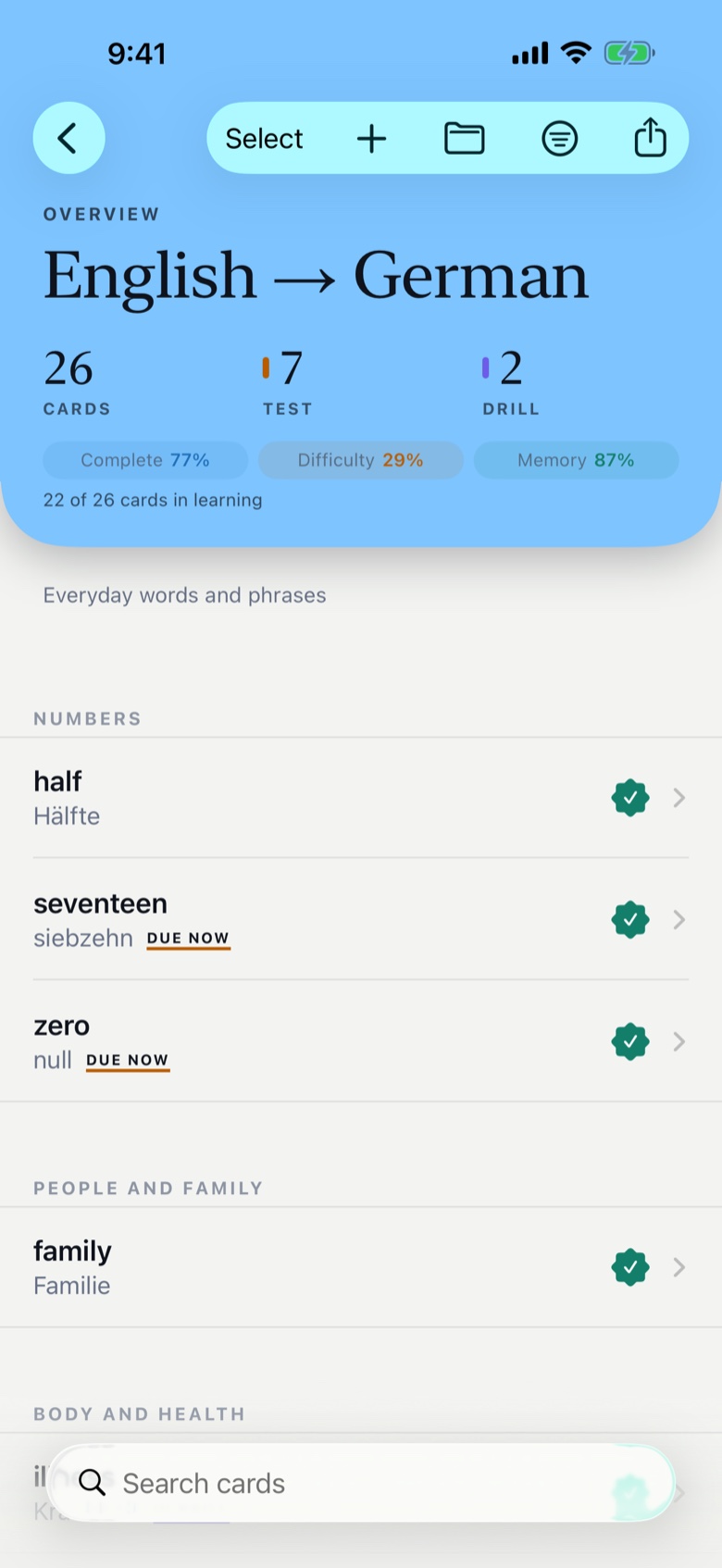
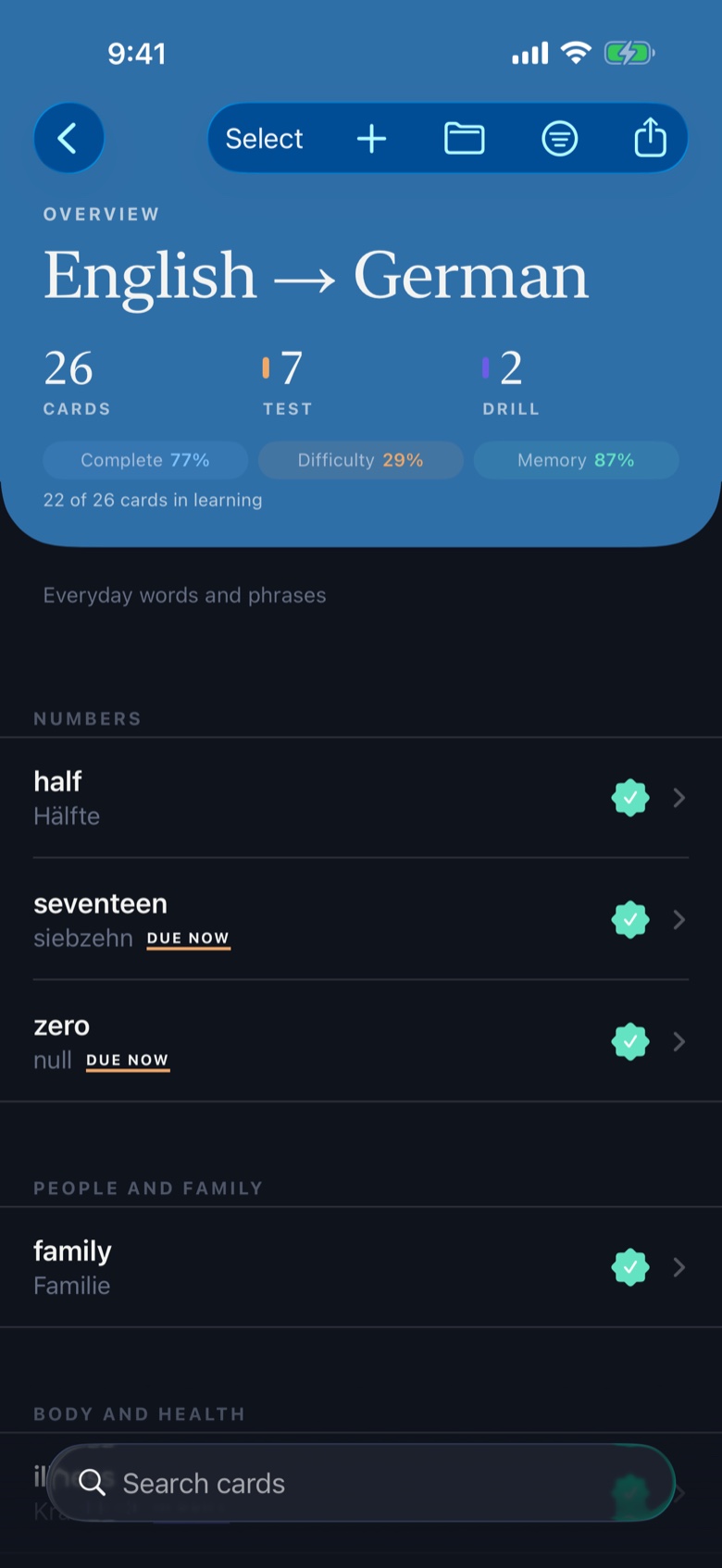


A selected card opens in the same right-hand pane. The sidebar keeps the deck you are in highlighted, so you always know where you are.


The toolbar
The sidebar is narrow, so its toolbar holds only search; the rest lives in the … menu:
- New database,
- Ready-made decks,
- Import CSV,
- Settings.
The deck detail keeps its own four buttons — new card, categories, the menu and sharing — and gains a search field beside them.


Windows instead of whole screens
Settings, backups, the score detail, the forgetting curve and the event log all open as windows over the library, not as screens that swallow everything behind them. The arrangement inside is the same as on the phone; what changes is that the overview does not close behind them.


Keyboard shortcuts
| Shortcut | Action |
|---|---|
| ⌘F | search |
| ⌘N | new database |
| ⌘I | import CSV |
| space | show answer / next card |
| 1 – 6 | grades A to F in a test |
| Y / N | right / wrong in a drill |
| Esc | end the session |
Studying on a large display


A session opens as a window in the middle of the screen rather than filling it — studying is focused work and the full area of a 13" iPad is needlessly large for one card.
Both grade groups (I know it and I don't) therefore stay stacked, just as on the phone. The window is narrower than the full display, and six buttons in one row would be cramped in it.
What differs
- Widgets work the same as on the phone.
- So does the icon badge.
- An Apple Watch pairs with a phone, not an iPad — that part is missing here.